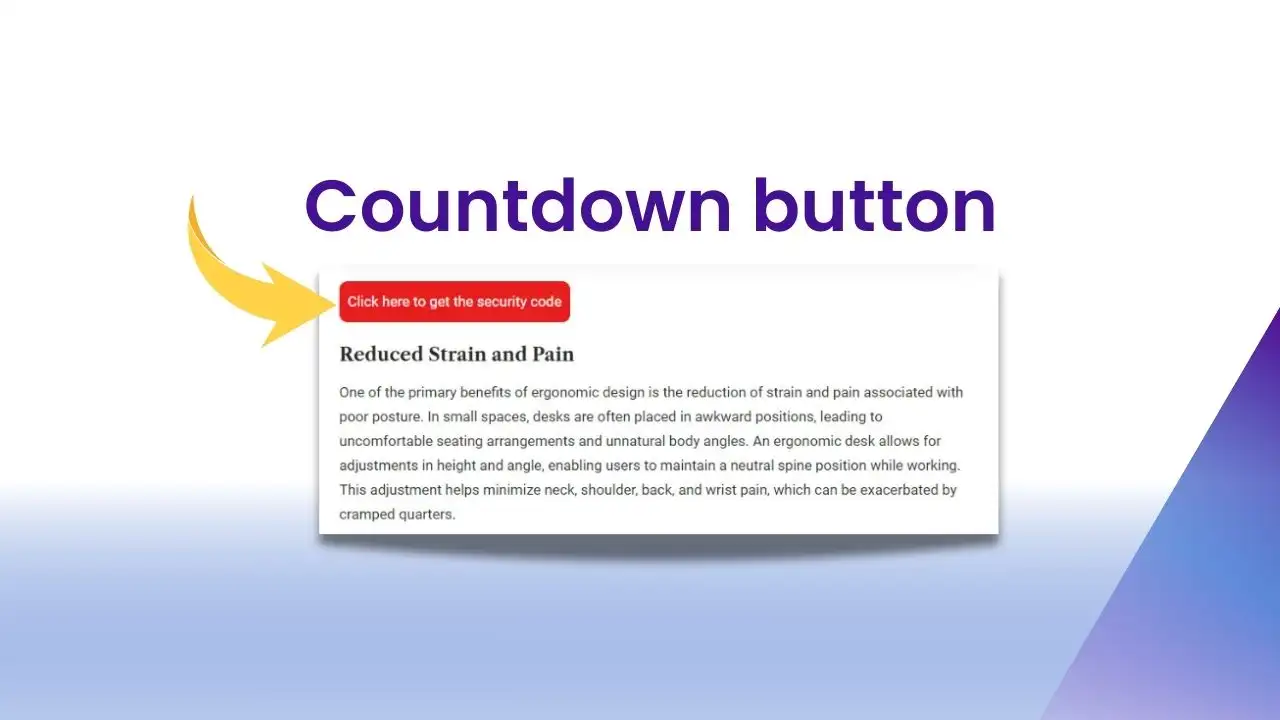

In this tutorial, I’ll show you how to add a “Read More” and “Show Less” button to your WooCommerce product description. This feature is especially useful for products with long descriptions, helping to keep the product page clean and user-friendly.
✅ Why Use a “Read More” Button?
-
Improve UX: Let users decide whether they want to see the full product description.
-
Optimize Layout: Keeps the page neat and focused by reducing visual clutter.
-
Faster Load Time: Minimizes initial content height, which speeds up page rendering.
-
Increase Engagement: Adds interactivity and encourages users to explore more product details.
🛠️ How to Implement
Below is the full code to add the “Read More” and “Show Less” functionality to your WooCommerce product description.
<?php
add_action('wp_footer', 'wat_product_description_expand_feature');
function wat_product_description_expand_feature() {
    if (!is_product()) return;
    ?>
    <style>
        .single-product div#tab-description {
            position: relative;
            overflow: hidden;
            padding-bottom: 30px;
        }

        .wat-description-collapsed {
            max-height: 800px;
            overflow: hidden;
            position: relative;
        }

        .single-product .tab-panels div#tab-description.panel:not(.active) {
            height: 0 !important;
        }

        .wat-description-toggle-button {
            text-align: center;
            cursor: pointer;
            position: absolute;
            bottom: 0;
            left: 0;
            right: 0;
            z-index: 999;
            background-color: #fff;
        }

        .wat-read-more-button:before {
            content: "";
            height: 60px;
            margin-top: -50px;
            display: block;
            background: linear-gradient(to bottom, rgba(255,255,255,0), rgba(255,255,255,1));
        }

        .wat-description-toggle-button a {
            color: #0057b8;
            display: block;
            padding: 5px 0;
            font-weight: 500;
        }

        .wat-description-toggle-button a:after {
            content: '';
            display: inline-block;
            width: 0;
            height: 0;
            margin-left: 8px;
            vertical-align: middle;
            border-left: 5px solid transparent;
            border-right: 5px solid transparent;
        }

        .wat-read-more-button a:after {
            border-top: 5px solid #0057b8;
        }

        .wat-read-less-button a:after {
            border-bottom: 5px solid #0057b8;
        }

        .wat-read-less-button:before {
            display: none;
        }
    </style>

    <script>
        (function($) {
            $(document).ready(function() {
                var $description = $('.single-product div#tab-description');

                if ($description.length > 0) {
                    var actualHeight = $description.outerHeight();
                    var maxHeight = 800;

                    if (actualHeight > maxHeight) {
                        $description.addClass('wat-description-collapsed');

                        var $readMoreBtn = $('<div class="wat-description-toggle-button wat-read-more-button"><a href="javascript:void(0);">Read More</a></div>');
                        $description.append($readMoreBtn);

                        var $readLessBtn = $('<div class="wat-description-toggle-button wat-read-less-button" style="display: none;"><a href="javascript:void(0);">Show Less</a></div>');
                        $description.append($readLessBtn);

                        $readMoreBtn.on('click', function() {
                            $description.removeClass('wat-description-collapsed');
                            $readMoreBtn.hide();
                            $readLessBtn.show();
                        });

                        $readLessBtn.on('click', function() {
                            $description.addClass('wat-description-collapsed');
                            $readLessBtn.hide();
                            $readMoreBtn.show();
                            $('html, body').animate({
                                scrollTop: $description.offset().top - 100
                            }, 300);
                        });
                    }
                }
            });
        })(jQuery);
    </script>
    <?php
}
?>
📋 How to Use
-
Paste into functions.php
Add the code above to your child theme’sfunctions.phpfile. -
Customize the Max Height
The linevar maxHeight = 800;sets the max height in pixels before showing the “Read More” button. Adjust this to suit your layout. -
Customize Colors
Change the color#0057b8in the CSS to match your theme. -
Edit Button Text
Update the button labels:
var $readMoreBtn = $('<div class="wat-description-toggle-button wat-read-more-button"><a href="javascript:void(0);">Read More</a></div>');
var $readLessBtn = $('<div class="wat-description-toggle-button wat-read-less-button" style="display: none;"><a href="javascript:void(0);">Show Less</a></div>');
🌟 Highlighted Features
-
Auto Detection: The script only activates when the description exceeds the height threshold.
-
Fade Effect: Adds a gradient fade at the bottom for a smooth visual cue.
-
Auto Scroll: When collapsing, the page scrolls back to the top of the description.
-
Efficient: Runs only on single product pages, so it doesn’t affect performance site-wide.
Read more: Protecting Your WordPress Site from File Upload Vulnerabilities
✅ Conclusion
By using this code, you can enhance your WooCommerce store with an elegant “Read More / Show Less” feature. It helps improve the user experience, keeps your layout clean, and makes your long product descriptions more manageable.
Feel free to customize the design and behavior to suit your theme. Good luck—and happy optimizing!

Hi, I’m Nghia Vo: a computer hardware graduate, passionate PC hardware blogger, and entrepreneur with extensive hands-on experience building and upgrading computers for gaming, productivity, and business operations.
As the founder of Vonebuy.com, a verified ecommerce store under Vietnam’s Ministry of Industry and Trade, I combine my technical knowledge with real-world business applications to help users make confident decisions.
I specialize in no-nonsense guides on RAM overclocking, motherboard compatibility, SSD upgrades, and honest product reviews sharing everything I’ve tested and implemented for my customers and readers.